
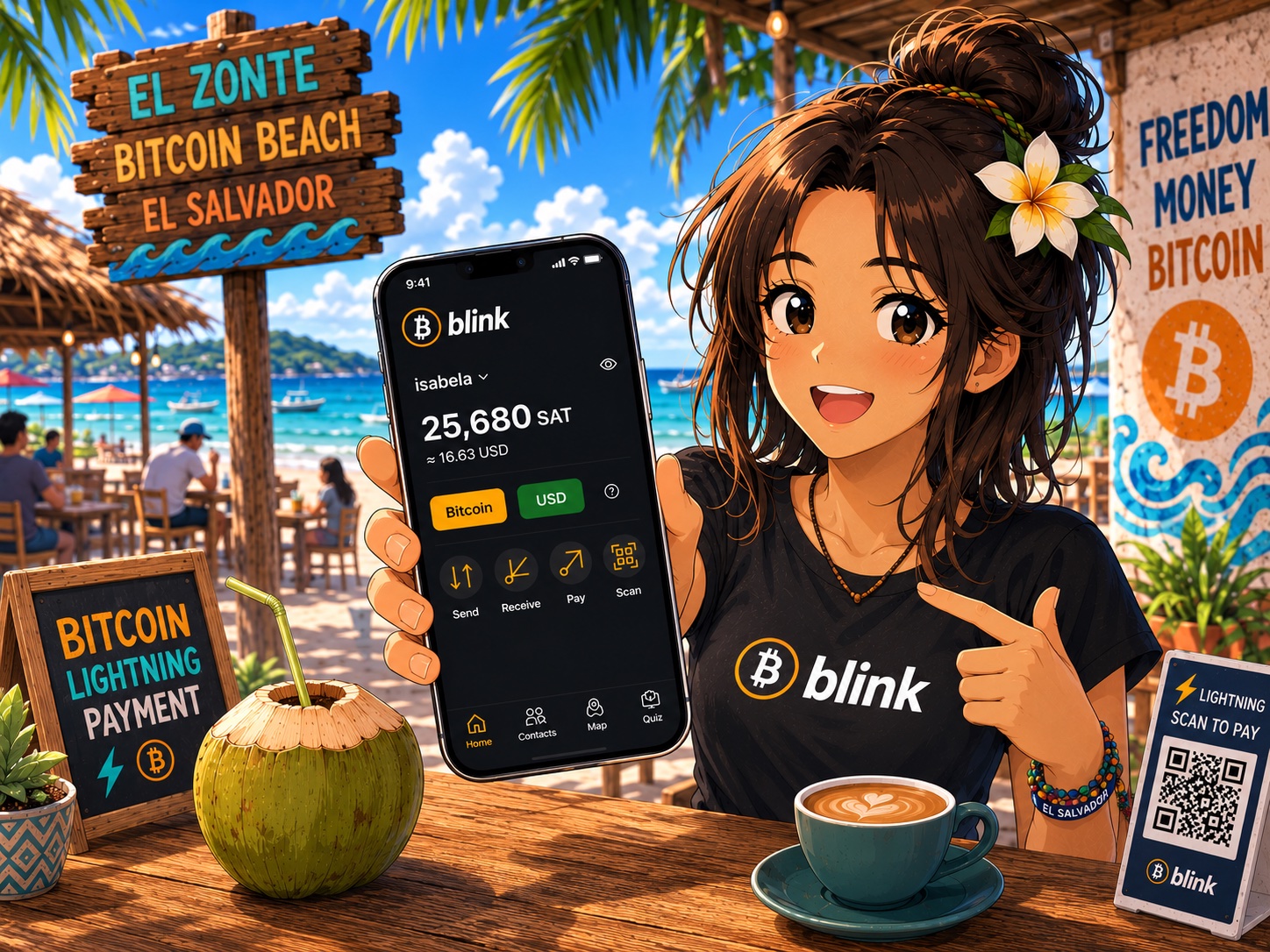
What started as an initiative within the Bitcoin Beach community has now grown into one of the world’s best-known Lightning wallets. Blink Wallet is a great tool for learning, trying out Lightning payments, and everyday use. When someone buys a coffee or a pastry with satoshis for the first time, Bitcoin suddenly becomes tangible. The decentralized financial system doesn’t begin in the future—it begins the moment two people successfully complete their first direct peer-to-peer payment.
The about Lightning Network previous article, I explained how Bitcoin can become real, everyday electronic cash. The next logical step is to see which wallet can be used to try this out in practice.
One of the most interesting options is Blink Wallet, which did not start as a project of a major financial institution but grew out of a grassroots community initiative.
The Blink (formerly known as Bitcoin Beach Wallet) was launched in 2020 in El Zonté, El Salvador—a place that would later become one of the world’s best-known Bitcoin communities. From the very beginning, the wallet’s goal was to make Lightning-based Bitcoin payments easy for everyday people.
Since then, Blink has become a popular Lightning wallet in many countries around the world, and for many Bitcoin users, it has become the first app that allowed them to actually try out lightning-fast peer-to-peer payments.
What makes Blink special?
One of Blink's greatest strengths is that it offers solutions for both beginners and advanced users.
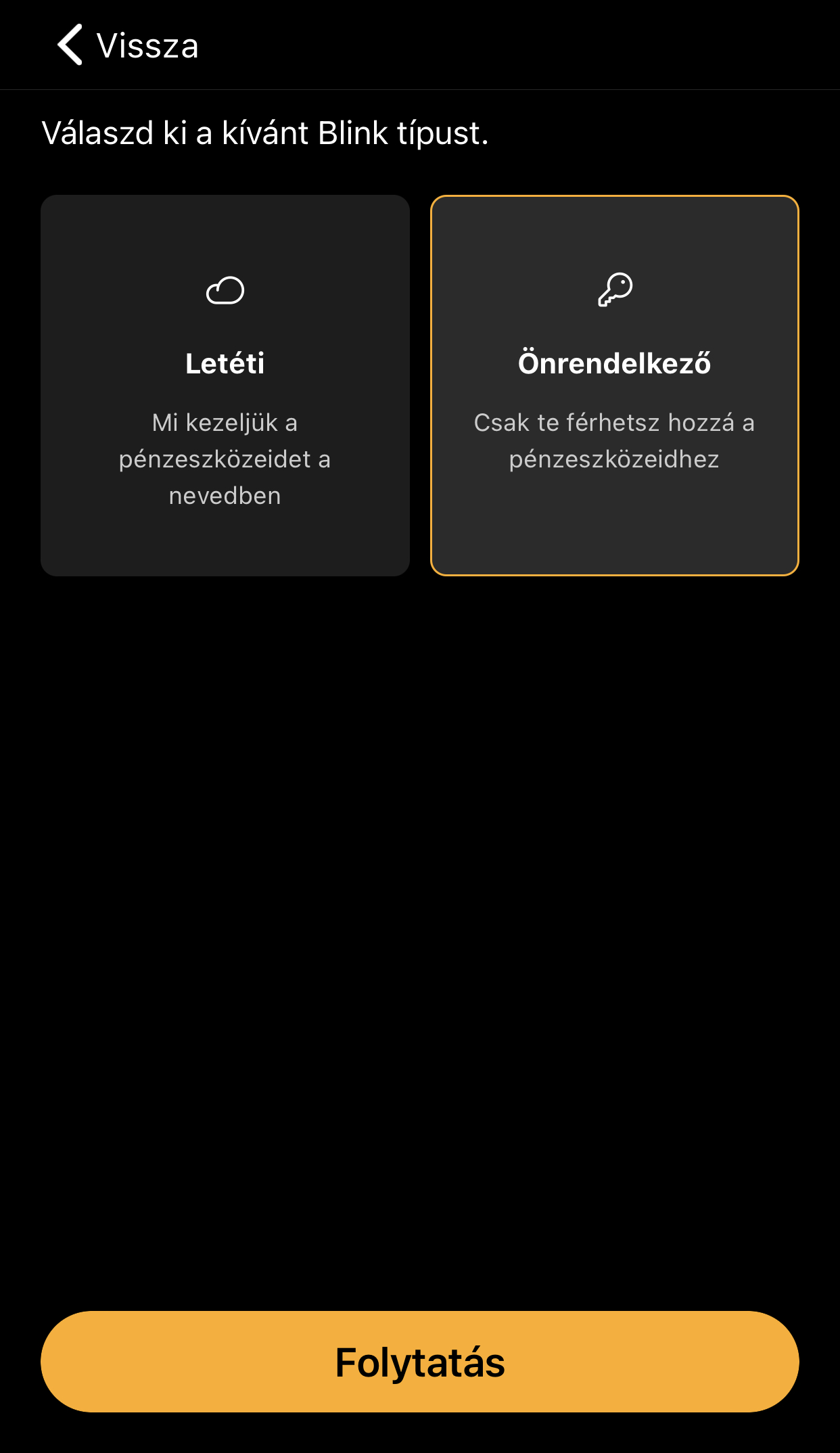
After registering, you can choose from two types of wallets:
1. Custodial Wallet
For Beginners
- Blink manages the keys.
- Easy to use.
- A quick start.
- It's ideal for smaller amounts.
2. Self-custodial wallet
For Advanced Learners
- The user holds the private keys.
- A 12-word recovery phrase (seed phrase).
- Greater independence and responsibility.
- Recommended for long-term use.
- This dual approach reflects Bitcoin's philosophy well: users can decide for themselves how much control they want over their own money.
Step by Step – Creating a New Blink Account
1. Installing the app
Download the Blink Wallet app from the Android or iOS app store.
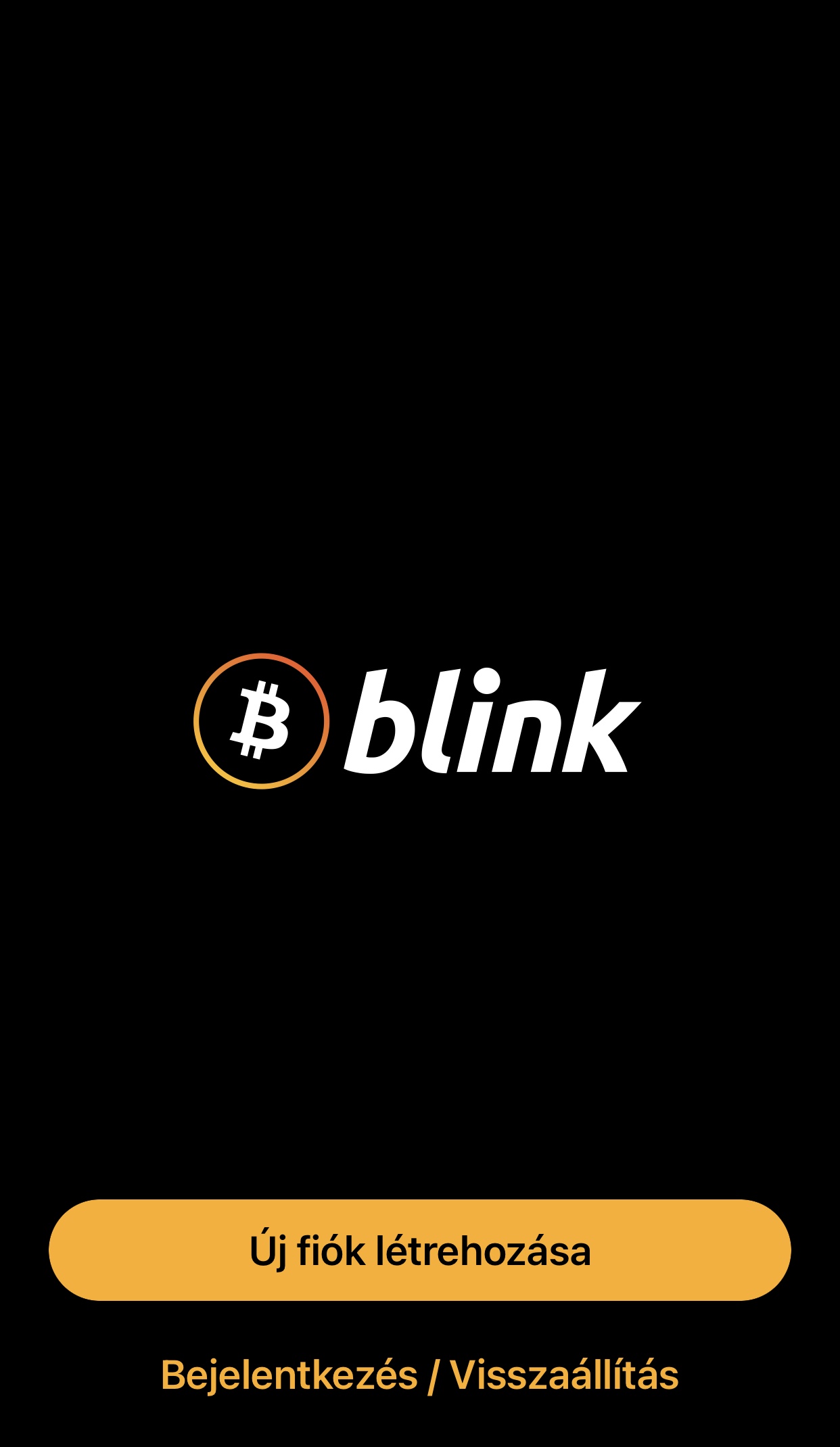
2. Creating a New Account
After launching the app for the first time, select “Create Account.”
3. Selecting a wallet type
The system offers two types of folders:
1. Custodial Account
Blink manages the keys.
2. Self-managed wallet
You have the keys.
4. The 12-word recovery phrase
If you select the self-custody wallet, the app will display a warning message at the top of the settings page advising you to back up your 12-word recovery phrase.

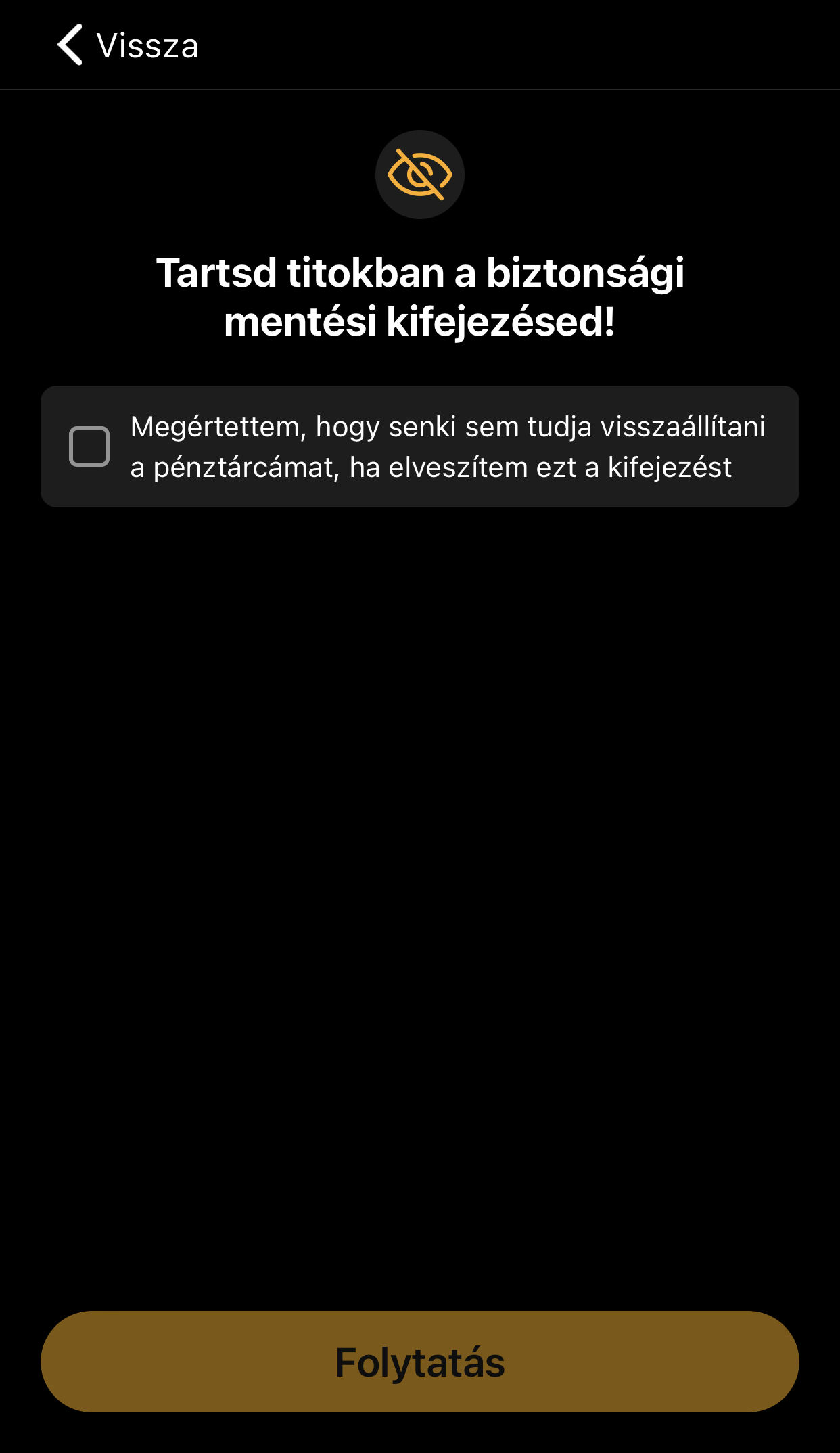
Important!
- Write it down on a piece of paper.
- Don't take a screenshot of it.
- Don't store it in the cloud.
- Keep it in a safe place.
These 12 words serve as the wallet's final backup.
If you lose your phone, you can use this to restore your wallet.
5. Receiving Your First Satoshis
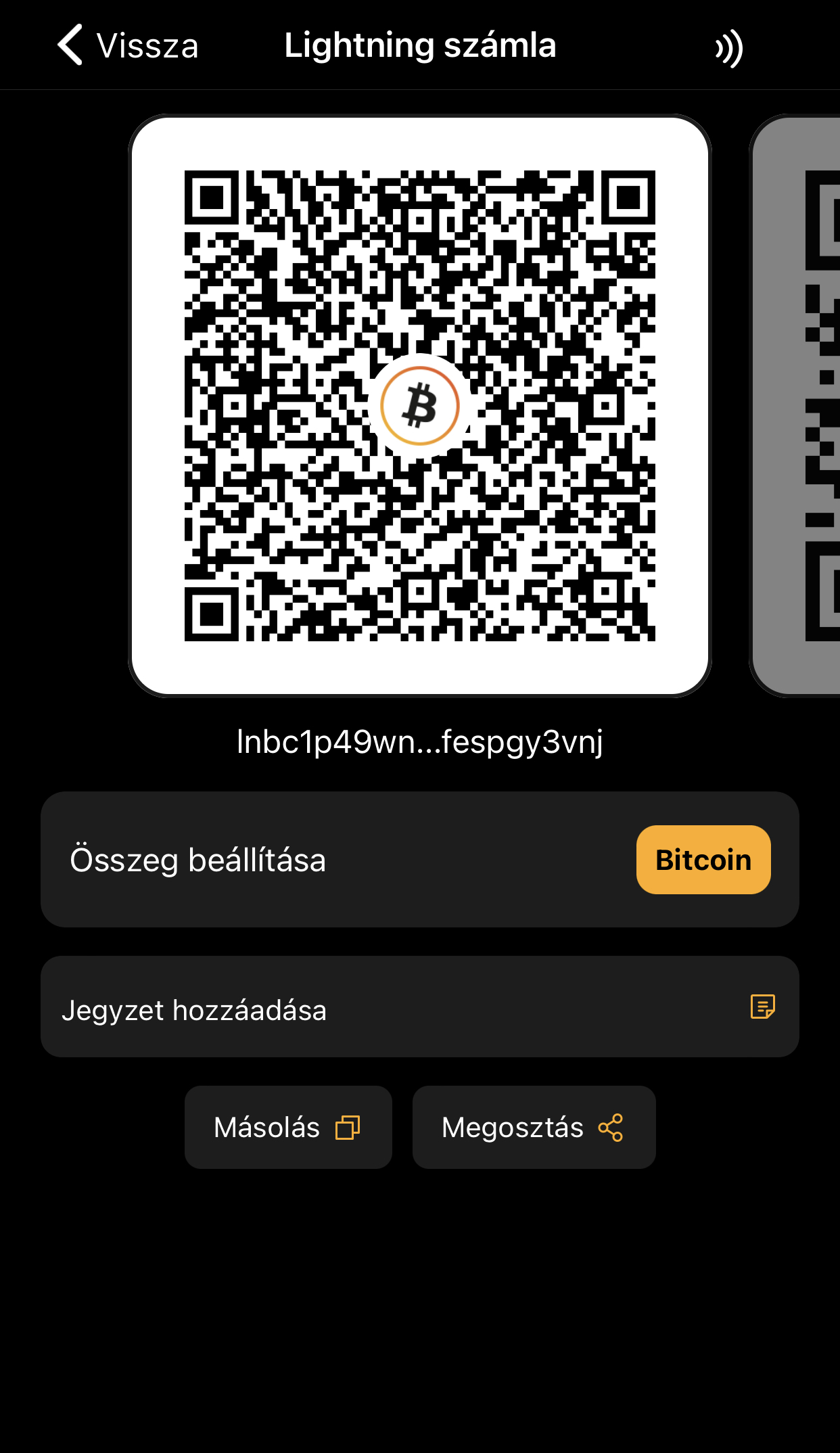
On the main screen, select "Receive."

The app generates a Lightning invoice, which you can share as a QR code or as text.
The First Lightning Payment
The first transaction is surprisingly simple.
- Open the Blink Wallet.
- Select "Send."
- Scan the QR code.
- Check the amount for Satoshi.
- Confirm the payment.
The transaction usually arrives within 1–2 seconds.
Creating a Lightning Address – Easier Ways to Send and Receive Satoshis
One of the convenient features of Blink Wallet is that it allows you to create your own Lightning address.
It works much like an email address.
Instead of having to share a new QR code or a long Lightning invoice every time, all you need is a simple address, such as:
Other Lightning users can send satoshis directly to this address.
How can it be created?
- Open the Blink Wallet.
- Go to the Profile or Settings menu.
- Select "Create Lightning Address."
- Enter the desired username.
- Confirm your selection.
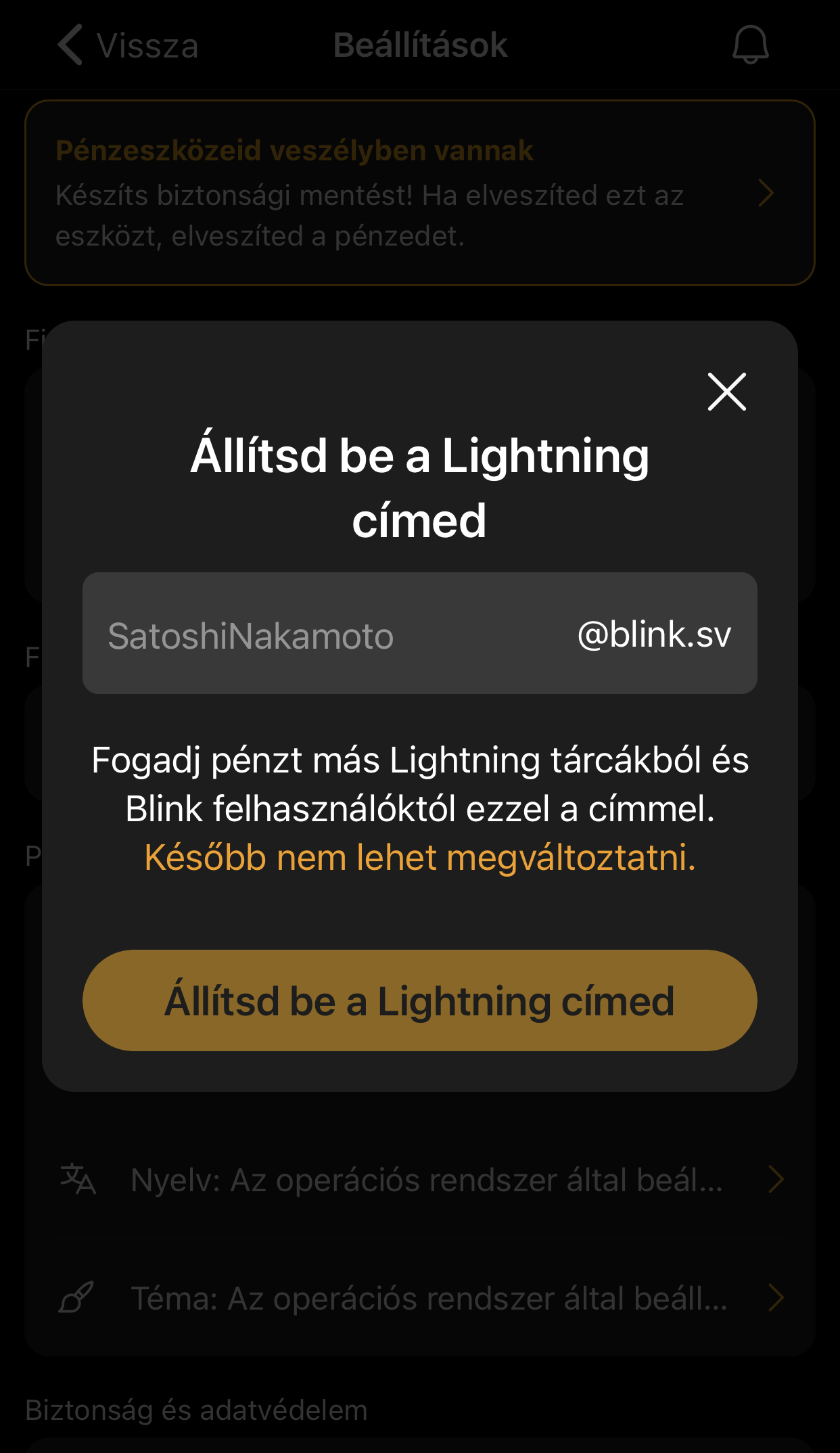
Important to Know
The chosen title is final
A Lightning address created in Blink Wallet cannot be changed later.
That's exactly why it's a good idea to choose a name that you'll be happy to use for a long time.
For example:
- proper noun,
- artist name,
- brand name,
- or the name of the business.
What does this mean in terms of Bitcoin's original spirit?
The introduction of Lightning addresses is an important step toward making Bitcoin payments just as easy for everyday people as sending a text message or an email.
Users no longer need to worry about technical details.
All you need to know is the other party's Lightning address.
Perhaps this best illustrates how the Bitcoin ecosystem is evolving: the Lightning Network and Bitcoin continue to operate in the background, but the user experience is becoming simpler and more intuitive.
Blink Wallet in Practice – A Step-by-Step Guide to Your First Purchase
Let's say we're at a café that accepts Bitcoin payments via the Lightning Network.
The total amount due at the counter is 1,500 satoshi.
1. The merchant displays the QR code
At the register, a Lightning QR code appears on the display or terminal.
2. Open the Blink Wallet
On the main screen, select "Send."
3. Scan the QR code
Point your phone's camera at the code.
Blink automatically recognizes the Lightning invoice.
4. Check the data
Amount: 1,500 sat
Network: Lightning
Fee: A few satoshis
5. We confirm the payment
Tap the “Pay” button.
6. Payment has been made
The transaction usually arrives within 1–2 seconds.
The merchant can see the incoming payment immediately.
What is it like in practice?
After their first Lightning purchase, many users experience the same surprise:
"Is it really that fast?"
The process is more like using a modern messaging app than making a traditional bank transfer.
There is no waiting.
There is no interbank settlement.
There are no weekend restrictions.
Two parties settle payments directly with each other via the Lightning Network.
NFC and Tap-to-Pay
Blink Wallet also supports NFC-based Tap-to-Pay at compatible merchants.
On an Android device, the process can be extremely simple:
- Open the Blink Wallet.
- Touch the phone to the terminal.
- The payment will start automatically.
- The transaction will appear in a few seconds.
This experience is very similar to modern contactless credit card payments, with the difference that an open, decentralized Lightning network operates in the background.
Are there any purchase or transfer limits?
Yes, especially in the case of custodial wallets.
For security and risk management reasons, Blink may impose daily limits on sending and receiving funds. These limits may change from time to time, so it’s a good idea to check the app’s current terms and conditions.
With a self-custodial wallet, the user has greater control, but even in this case, it is not the most ideal place to store high-value, long-term savings.
Important Safety Advice
Lightning wallets are designed for everyday use
It's worth thinking of them as a digital wallet:
- Keep only as many satoshis on it as you need for your daily or weekly expenses,
- It is better to keep larger Bitcoin holdings in a hardware wallet or another solution suitable for long-term storage,
- In particular, it is not recommended to store large amounts of money in escrow accounts for extended periods of time.
A Lightning wallet is like the wallet in your pocket. It’s for everyday spending. Long-term savings are better kept in a “digital vault”—that is, a secure hardware or software self-managed storage solution.
Why do Bitcoin communities love Blink?
One reason for Blink's success is that it provided a solution to a real community problem.
In El Zonté, the locals didn't need a theoretical blockchain solution, but rather an application that would allow them to:
- you can buy bread,
- You can pay for coffee,
- wages can be sent,
- and payments can be settled immediately among themselves.
Blink was born out of this everyday need.
Summary
Blink Wallet is a good example of how Bitcoin technology is becoming an everyday tool.
In just a few minutes, you can set up a Lightning wallet, receive a few satoshis, and then send them to someone else—or even use them to pay for a cup of coffee.
And perhaps that's the most important thing.
The original vision of Bitcoin truly comes to life in the Lightning-based payment solution, which allows people to exchange value directly with one another.
Blink Wallet and the Lightning Network make this vision a reality in everyday life.
When the first Lightning payment arrives in just a few seconds, Bitcoin will suddenly go from being a theory to a real user experience. 💚₿⚡